

A powerful WordPress website doesn’t start with cool designs or fancy colours. It starts with a plan. It’s all about figuring out what you need your site to do for your business—whether that's getting more leads, securing bookings, or showing off your past projects—and then building a roadmap that guides visitors right to that goal.
Getting this strategic foundation right is the single most important thing you can do for your website's success.
Your Blueprint for a High-Performing Business Website
Before you even think about themes or plugins, you need a rock-solid strategic plan. This is where you define exactly what your website needs to do for your Australian business. It's the difference between having an online brochure and a genuine business asset that works for you 24/7.
Think about your main business goal. Is it to get more quote requests for your plumbing service on the Gold Coast? Or maybe it's to drive online bookings for your busy Sydney restaurant? It could even be to showcase a professional portfolio of your construction work to land bigger clients. Your core objective will shape every decision you make from here on out.
Defining Your Goals and User Journey
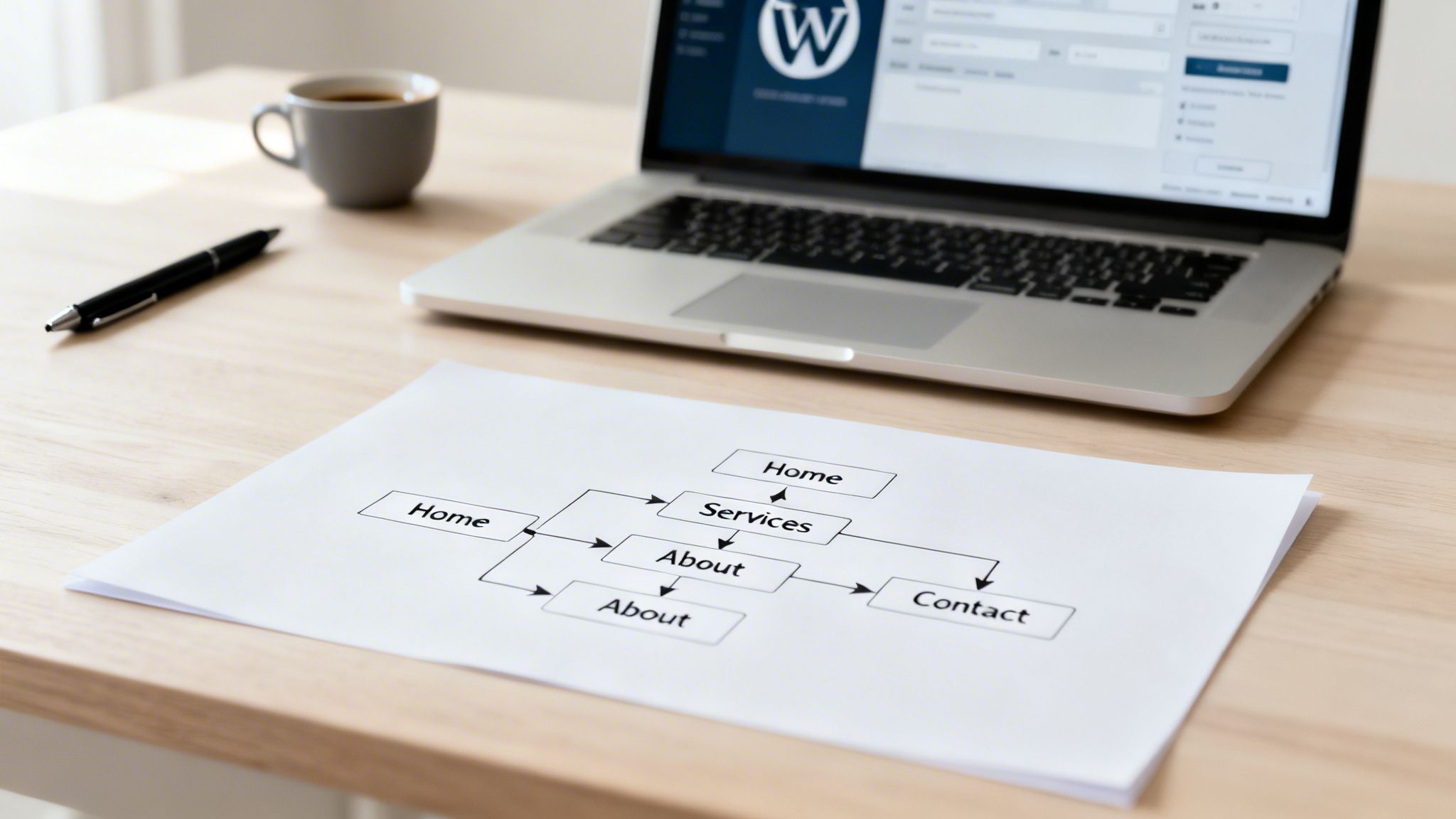
Once you know your main goal, the next step is to map out your site’s structure. We call this Information Architecture (IA), and the whole point is to make the user's journey feel completely natural. Picture a potential customer landing on your site. You want to guide them from your homepage, to the service they need, and then straight to your contact form or booking page without any friction.
This means structuring your navigation and content in a way that answers their questions before they even have to ask. A logical flow doesn't just make for a better user experience; it also gives your search engine visibility a serious boost.
- Set Clear Objectives: What does success actually look like? Is it a 20% bump in online quote submissions or a 15% increase in direct table bookings? Get specific.
- Map the User Path: Think through the steps a visitor takes. For a tradie, that path might be Homepage -> Services ("Hot Water Systems") -> Request a Quote.
- Structure Your Navigation: Keep your main menu simple and predictable. Use common labels like "Services," "About Us," and "Contact" so people instantly know where to go.
This entire planning phase is about connecting your business goals directly to the visitor's experience on your site.
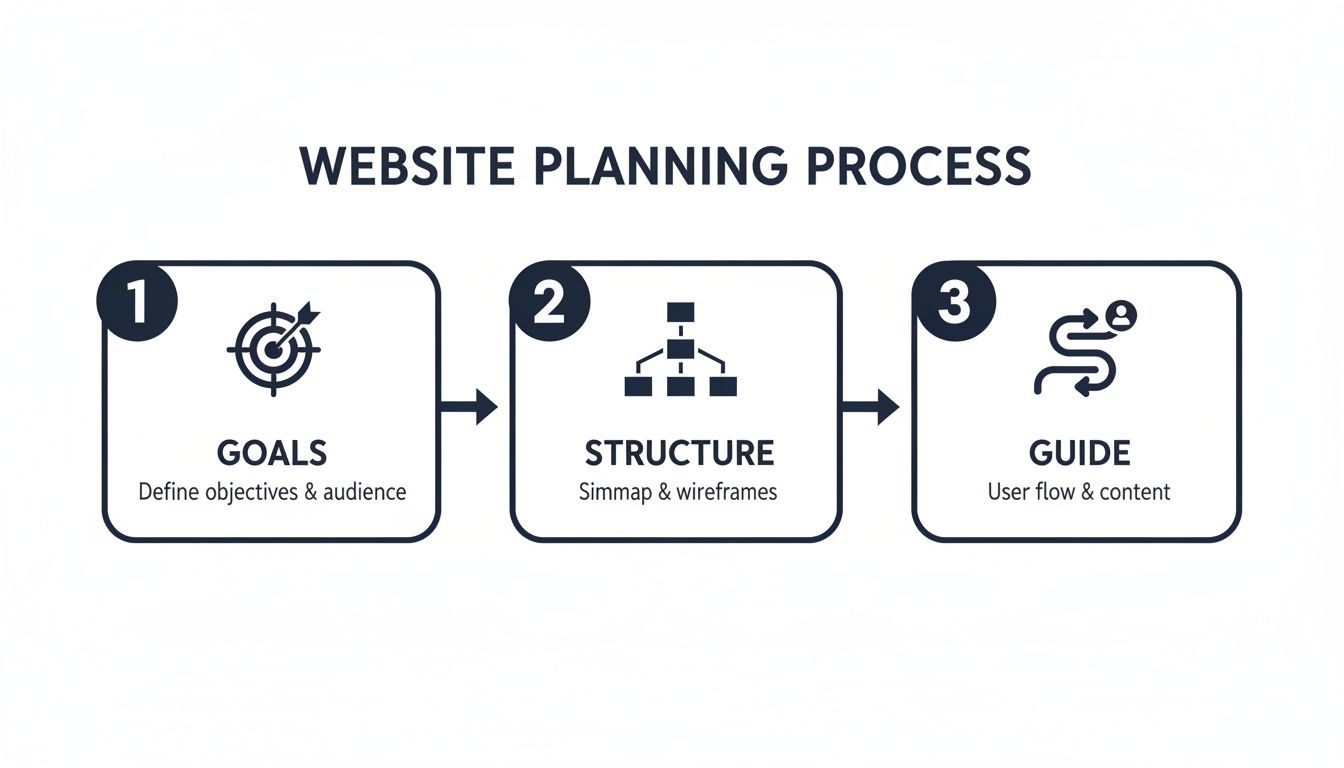
The key takeaway here is that a structure built around the user starts with clear business goals.
Why WordPress Dominates the Australian Market
Basing this blueprint on WordPress is a smart move, backed by real-world performance. In Australia, WordPress is the undisputed leader, powering an estimated 45% of all active websites across the country. It’s particularly dominant among small to medium businesses (SMBs) like restaurants, trades, and hospitality venues.
In fact, a recent survey found that 62% of Australian SMBs using WordPress reported an average lead increase of 25% within the first year of launching their site. You can get more insights on platform trends and grab a comprehensive website planning checklist to get started.
This success is no accident. WordPress hits the perfect sweet spot between powerful flexibility and real user-friendliness. It lets businesses build a website that lines up perfectly with their strategic goals, all without needing a massive budget or a team of developers. It’s a platform that can grow right alongside your business, from a simple five-page site to a complex e-commerce operation.
Choosing the Right Hosting and WordPress Setup
With your plan in place, it's time to lay the technical foundation for your website. This part can feel a bit technical, but getting the hosting and initial WordPress setup right from the start has a huge impact on your site's speed, security, and how reliable it is for your customers.
Think of your web hosting as the piece of land where you’re building your business. You wouldn't build a high-end retail store on shaky ground, and the same goes for your website. A slow, unreliable host will turn customers away before they even get a chance to see what you offer.
Demystifying Web Hosting for Your WordPress Site
For Australian businesses, one thing is non-negotiable: local data centres. Choosing a hosting provider with servers physically located in Australia is one of the easiest wins you can get. This simple decision dramatically cuts down on latency—the physical time it takes for data to get from the server to your visitor’s browser—making your site noticeably faster for your local audience.
When you start looking at hosting plans, you'll run into a few common types. Each one is built for a different business need and budget.
- Shared Hosting: This is your most budget-friendly option, where your site shares a server and its resources with lots of others. It’s a perfectly fine starting point for a brand-new business, like a local cafe getting its first website, but be aware that you might see slowdowns if another site on your server gets a big traffic spike.
- VPS (Virtual Private Server) Hosting: This is a solid step up. A VPS gives you your own dedicated slice of a server’s resources. It provides much more power and stability, making it a great fit for growing businesses or e-commerce stores that can’t afford to slow down during busy periods.
- Managed WordPress Hosting: Think of this as the premium, all-inclusive option. The hosting company handles all the technical grunt work—security monitoring, daily backups, software updates, and performance tweaks. For a busy tradie or restaurant owner who’d rather focus on running their business than worrying about website maintenance, the peace of mind is invaluable.
For most small to medium businesses we work with, Managed WordPress Hosting strikes the perfect balance of performance, security, and convenience. The slightly higher cost is easily justified by the time and potential stress it saves down the track. You can also explore our guide to understand the full cost of website creation.
Essential WordPress Configuration from Day One
Once you’ve picked a host, they'll usually offer a simple, one-click WordPress installation. After it’s installed, resist the urge to jump straight into picking colours and fonts. A few minutes spent on some basic configuration now will set your site up for long-term success.
First, head to 'Settings' > 'Permalinks' in your WordPress dashboard. Change the default structure to "Post name." This is a small but critical tweak that turns your URLs from something messy like yoursite.com.au/?p=123 into clean, readable links like yoursite.com.au/our-services. It’s better for users and fantastic for SEO.
With that done, tackle these other key settings to build a solid foundation.
- General Settings: Double-check that your Site Title and Tagline accurately describe your business. This is what often shows up in Google search results, so make it count. Also, make sure your timezone is set correctly to your local Australian one.
- User Profile: Never use "admin" as your username. It's the first thing hackers try. Change it to something unique. This is one of the simplest and most effective security measures you can take.
- Initial Security: Don't wait. Install a reputable security plugin right away. A good one will act as a firewall, scan for malware, and limit login attempts to block common automated attacks from ever getting through.
- Performance Basics: Get a caching plugin installed. Caching creates and serves static, lightweight copies of your pages to visitors, which is much faster than loading everything from scratch every time. This gives you an instant boost in load speed and user experience.
By getting these core hosting and setup tasks sorted upfront, you're ensuring your new WordPress website is built on a fast, secure, and reliable base. Now you're ready for the fun part: bringing your brand to life.
Designing a Website That Reflects Your Brand
With your hosting sorted and WordPress installed, it’s time for the fun part: giving your business an online personality. This is where you bring your brand to life, creating a professional website that builds trust and connects with your customers—all without the price tag of a full custom development project.
The key to achieving this lies in the powerful combination of a WordPress theme and a page builder.
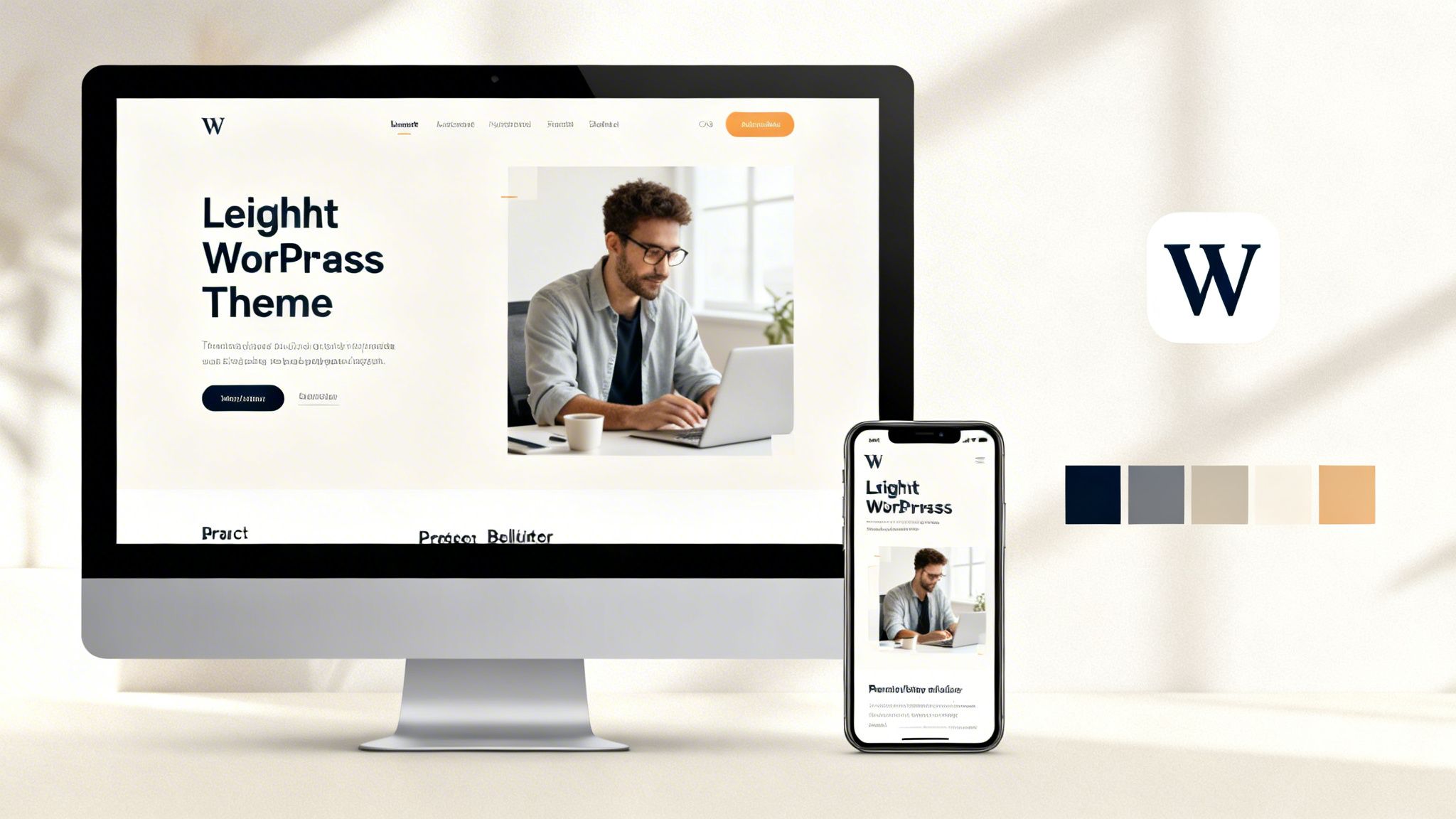
Think of a theme as the architectural blueprint for your site. It sets the foundational structure, the default typography, and the overall colour scheme. The goal is to pick one that’s lightweight and mobile-friendly, not just one that looks flashy in a demo.
A heavy, bloated theme will kill your site's performance before you even start, which is a deal-breaker for both users and Google. Your focus should be on finding a modern theme that puts speed and responsiveness first.
Choosing Your Theme and Page Builder
It’s easy to get distracted by impressive theme demos. Instead, cut through the noise and focus on what actually matters:
- A Lightweight Foundation: Look for themes marketed as "performance-focused," "minimal," or "lightweight." A fast base theme gives you a massive head start.
- Mobile Responsiveness: This isn't optional. Your site must look and function flawlessly on smartphones and tablets, because that’s where a huge chunk of your audience will find you.
- Plugin Compatibility: Make sure the theme plays well with the essential plugins you'll be using, especially your page builder and e-commerce tools like WooCommerce if you plan on selling products.
Once you have a solid theme in place, a page builder is where the real design magic happens. These are drag-and-drop tools that give you complete control over your page layouts, letting you build custom designs without touching a single line of code. They are absolutely central to modern WordPress design.
The Power of Page Builders in Action
Page builders have completely changed the game for Australian businesses. In fact, these tools have become the standard, with 53% of the 1.5 million tracked Australian WordPress sites now using builders like Elementor.
The impact is real and measurable. One report found that 68% of Gold Coast SMBs using WordPress with page builders saw a return on their investment in just six months. This is especially true for local industries like hospitality and trades, where WooCommerce powers 22% of AU WordPress sites and drives a staggering $4.2 billion in yearly online sales.
Let's look at how this works in the real world.
For example, a plumber in Broadbeach needs to show off their work to build credibility. With a page builder, they can easily create a project gallery. This isn’t just a page with a few photos; they can build a grid of high-quality images where each one links to a detailed case study. That case study page can then feature "before and after" sliders, a clear description of the job, and a glowing customer testimonial. This kind of visual proof is far more convincing than a simple list of services.
Another example is a Gold Coast restaurant that wants an online menu as appealing as the food itself, plus an easy booking system. A page builder lets them do just that. Instead of uploading a clunky PDF menu, they can design a beautiful, interactive page with distinct sections for entrees, mains, and desserts, complete with mouth-watering photos and descriptions for every dish. Best of all, they can integrate a booking form right onto the page, so diners can reserve a table without ever leaving the site.
These tools empower you to go far beyond generic templates. For a deeper dive, our guide on how effective branding in web design boosts recognition offers more insights on this. By mastering a page builder, you can translate your brand’s unique identity into a digital experience that not only looks professional but also actively turns visitors into loyal customers.
Optimising Your Site for Search Engines and AI
Let's be blunt: a brilliant website is useless if no one can find it. A great website design built on WordPress gives you a solid head start, but a relentless focus on optimisation is what gets your business seen by real customers and, just as importantly, search engines.
It's about turning your site from a pretty online brochure into a visibility machine.
Mastering Local SEO Fundamentals
This whole process kicks off with the basics of local Search Engine Optimisation (SEO). For any Australian business, this means connecting with customers right in your service area, whether you're on the Gold Coast, in Sydney, or somewhere in between.
Your first job is to get inside your customer's head. A homeowner in Brisbane with a burst pipe isn't searching for "plumber"; they're desperately typing "emergency plumber Brisbane" or "hot water system repair near me" into Google. Your goal is to find these specific, location-driven phrases.
Once you have your keywords, plugins like Yoast SEO or Rank Math become your best mates. These tools are non-negotiable for a WordPress site, giving you hands-on control over your on-page SEO.
They simplify critical tasks like:
- Optimising Page Titles and Meta Descriptions: Crafting those keyword-rich snippets that make people actually click on your link in the search results.
- Managing Local Business Schema: This is structured data that explicitly tells Google your business name, address, phone number (NAP), and opening hours—vital for getting into the local map pack.
- Improving Readability: Making sure your content is easy to scan. If people can't quickly find what they need, they'll leave.
Getting this foundation right is how you capture local search traffic and funnel genuine leads to your business.
Preparing for the Future of AI Search
While traditional SEO is still king, the search world is shifting fast. Google's Search Generative Experience (SGE) and AI assistants are starting to answer user questions directly, often bypassing the classic list of blue links. Your optimisation strategy must account for this.
This means structuring your content so that an AI can easily understand and, more importantly, trust it. You need to create clear, authoritative content that directly answers the questions your customers are asking. To really get an edge, you need to understand concepts like entity-based SEO for AI search.
This new frontier is where WordPress really proves its worth. The platform's growth in Australia has been huge, jumping from a 18% market share back in 2013 to a projected 47% by 2026. A Queensland Government study even found that WordPress sites in the construction and solar industries saw 32% higher conversion rates in 2024. This boom is fuelled by a strong local developer community that enables businesses to adapt quickly.
To get ahead of the curve, you can dive deeper into our guide on AI search engine optimisation and what it means for your business's visibility.
Boosting Performance for Better Rankings
Site speed isn't just a techy detail; it's a massive part of user experience and a confirmed Google ranking factor. A slow website frustrates visitors and sends them running to your competitors. A fast site keeps them engaged and signals quality to search engines.
Here are two practical things you can do to dramatically speed up your WordPress site:
-
Aggressive Image Compression: Huge, unoptimised images are one of the biggest culprits for slow load times. Before you upload a single image, use a tool to compress it. Plugins can automate this, slashing file sizes without a noticeable drop in quality.
-
Smart Caching: Caching creates static copies of your pages so they don't have to be rebuilt from the database for every single visitor. Installing a quality caching plugin is one of the most effective moves you can make to speed up your website.
These tweaks aren't optional. They're essential for keeping visitors happy and climbing the search rankings.
Hardening Your Site with Essential Security
Finally, website security is completely non-negotiable. A hacked site can ruin your reputation overnight and expose customer data. The good news is that basic WordPress security doesn't need to be overwhelming.
Start with a reputable security plugin. Think of it as your site's firewall, malware scanner, and guard against brute-force login attempts from bots. It’s your first and best line of defence.
Beyond a plugin, make these practices second nature:
- Always use strong, unique passwords for your admin accounts. No excuses.
- Keep your WordPress core, themes, and plugins updated. Updates often contain critical security patches.
- Regularly back up your entire website to an off-site location, like cloud storage.
Protecting your website is the same as protecting your business and building trust. By putting these simple measures in place, you ensure your online asset stays secure, reliable, and working for you.
Developing Content and Launching Your New Site
With your site’s design taking shape, it’s time to shift focus to what actually connects you with customers: your content. A sharp website design with WordPress gives you the framework, but compelling content is the engine that generates leads, builds trust, and turns your site into a genuine business asset.
Think of your website copy as your hardest-working salesperson, on the clock 24/7. It has to speak directly to your ideal client's problems and instantly frame you as the only solution. Vague, corporate jargon just won’t cut it, especially when you’re trying to connect with a local Aussie audience.
Crafting Content for Your Core Pages
Your Home, About, and Services pages are the absolute pillars of your website. They need to be sharp, client-focused, and incredibly purposeful. Before you write a single word, it’s vital to develop a comprehensive content strategy to ensure every message is effective and perfectly aligned with your business goals.
Let's look at how to approach each one.
- Homepage: This isn't just a digital welcome mat; it’s your most powerful first impression. Within seconds, a visitor needs to know exactly what you do, who you help, and why they should pick you over a competitor. A plumber in Queensland needs a headline like, "Reliable Hot Water Repairs for Brisbane Homes," not a bland "Plumbing Services."
- About Page: People do business with people they know, like, and trust. Share your story, but make sure you frame it around what it means for your customer. Explain why you started your business and what drives your commitment to five-star service.
- Services Pages: Don’t just list what you do—sell the outcome. Instead of one generic page titled "Our Services," create dedicated pages for each core offering. A construction business, for instance, should have separate, detailed pages for "New Home Builds," "Kitchen Renovations," and "Decking and Patios." This targeted approach is also a massive win for your SEO.
When you’re writing, always think in terms of benefits, not just features. A feature is that your restaurant uses local produce; the benefit is that your diners get the freshest, most flavourful meal on the Gold Coast.
Fuelling Your SEO with a Local Blogging Strategy
Beyond those core pages, a local blog is one of the most powerful tools in your digital arsenal. It cements your authority, answers your customers’ most pressing questions, and consistently feeds search engines fresh, relevant content. This is exactly how you start ranking for the specific problems your customers are searching for right now.
The secret is to think locally and solve problems.
Here are a few real-world examples to get you started:
- For a Plumber: 'Common Hot Water Issues in Queensland Homes and How to Spot Them.'
- For a Restaurant: 'A Guide to Local Produce on the Gold Coast and Our Favourite Suppliers.'
- For a Solar Installer: 'Calculating Your Potential Savings with Solar Panels in New South Wales.'
This strategy doesn't just prove your expertise; it directly targets the long-tail keywords your competitors are almost certainly ignoring. If you need more ideas, our guide on professional content writing for websites offers plenty of extra tips.
The Essential Pre-Launch Checklist
You're almost there. Before you push that "go live" button, a meticulous final check is non-negotiable. It ensures a smooth launch and a professional first impression. Rushing this step can lead to lost leads and a damaged reputation from day one.
Work through this checklist methodically. No skipping steps.
- Test Every Link and Button: Click every single link, menu item, and call-to-action. Make sure they all lead to the right page. No dead ends.
- Submit Every Form: Fill out and submit all your contact forms, quote requests, and booking forms. Check that the notification email arrives in your inbox and that the user sees a clear "thank you" message on screen.
- Confirm Mobile Responsiveness: Grab a few different devices—iPhones, Androids, tablets—and view your site. Does every page display perfectly? No weird formatting or overlapping text?
- Proofread All Content: Read every single word on every page out loud. This is the best way to catch sneaky typos, grammatical mistakes, and awkward sentences that your eyes might skim over.
- Set Up Analytics: Make sure Google Analytics or your chosen tracking tool is properly installed and collecting data. You can't measure success if you aren't tracking anything.
This final quality check ensures your brand new WordPress site performs flawlessly from the moment it’s live, ready to become a lead-generating asset immediately.
Your Top WordPress Questions, Answered
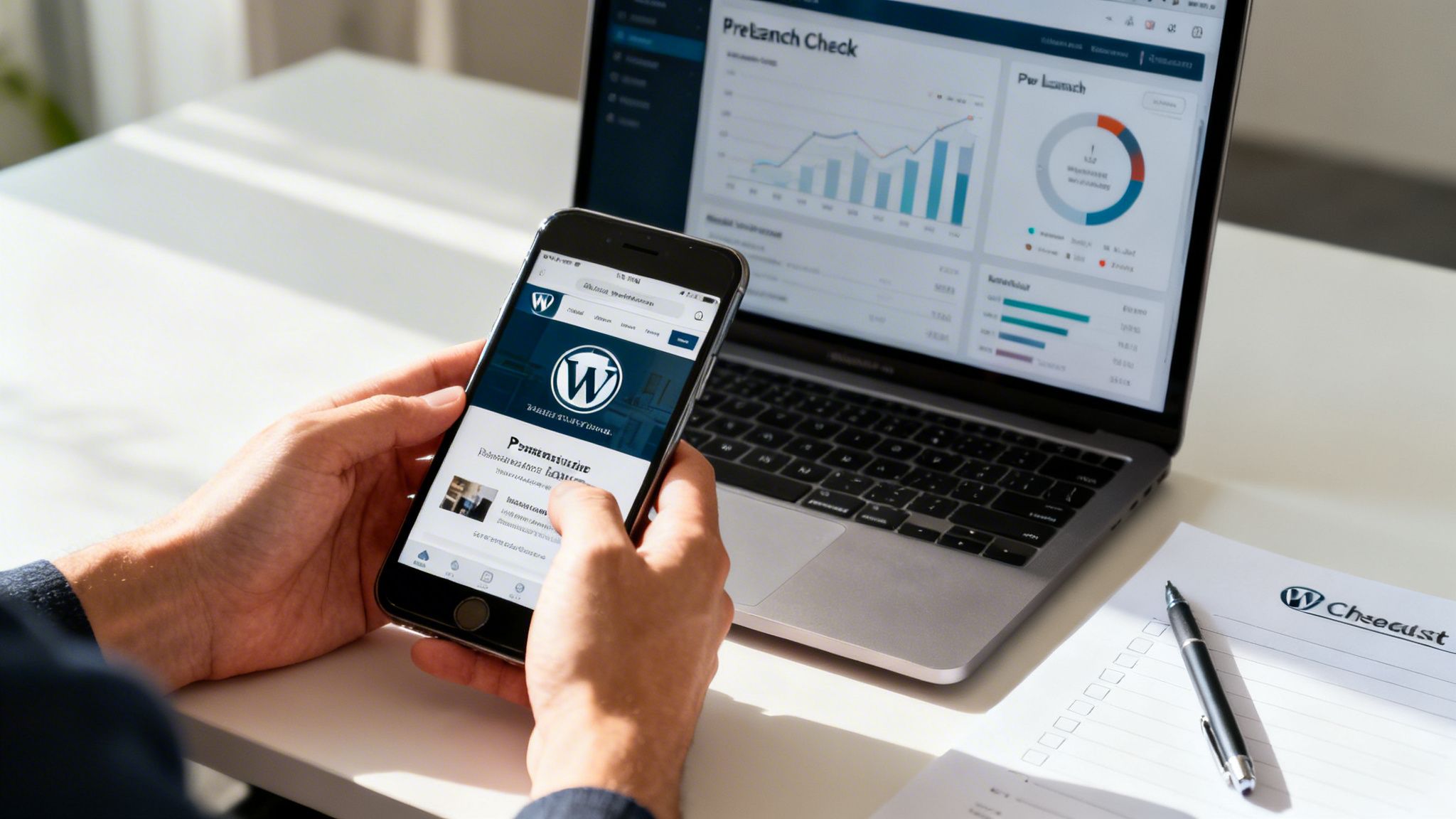
Jumping into WordPress for your business is a smart move, but it’s natural to have questions. It’s a powerful platform, and knowing the ins and outs from the start helps you make confident, business-savvy decisions.
We’ve pulled together the most common questions we hear from Australian business owners. Here are the clear, straightforward answers you need to build not just a website, but a genuine asset for your business.
How Much Does a Small Business WordPress Site Cost in Australia?
The honest answer? It depends entirely on what you need. There’s no one-size-fits-all price tag when it comes to a WordPress website.
For a small business owner happy to get their hands dirty with a bit of DIY, the ongoing costs can be quite low—often just a few hundred dollars a year. This typically covers the essentials:
- Annual Hosting Fees: This is the 'rent' you pay for your website's space on the internet.
- Domain Name Registration: Your unique web address, like
yourbusiness.com.au. - Premium Themes or Plugins: While there are free options, premium tools give you far better design, features, and support.
On the other hand, if you're after a professionally designed, custom-built site from a freelancer or agency, you're looking at a more significant investment. A project like this can range from $3,000 to over $10,000, depending on the site’s complexity, any custom features you need, and whether content creation is part of the package.
It's best to see this as an investment in a primary business asset that works for you 24/7.
Can I Manage a WordPress Site Without Technical Skills?
Absolutely. One of the biggest reasons WordPress powers over 43% of the web is because it’s so user-friendly. While the initial setup might have a bit of a learning curve, the day-to-day management is designed for people who aren't developers.
Once your site is up and running, tasks like publishing a new blog post, tweaking your 'About' page, or adding photos to a gallery are incredibly straightforward. Modern page builders with their drag-and-drop interfaces have made updating content as simple as editing a Word document.
Of course, some technical maintenance is still necessary, like running software updates and security checks. But many quality hosting providers and specialised plugins can automate most of this for you, making website ownership manageable for business owners who would rather focus on their customers, not on code.
Is WordPress Good for SEO in Australia?
Yes, WordPress is exceptional for SEO, particularly for local Australian businesses. The platform is built with clean code that search engines like Google can easily crawl and understand, giving you a strong technical foundation right out of the box.
But the real SEO power comes from its massive ecosystem of plugins. Tools like Yoast SEO or Rank Math give you complete control over every critical part of your on-page optimisation, no expertise required. You can easily manage:
- SEO titles and meta descriptions
- Structured data for local business details (name, address, phone number)
- XML sitemaps to help search engines index your site properly
This combination of a solid core and powerful tools provides the perfect launchpad for a robust local SEO strategy. It helps your business show up for valuable searches in your specific service area, connecting you with customers who are ready to buy.
At Titan Blue Australia, we build high-performance WordPress websites designed to grow your business. For a digital strategy that delivers real results, visit us at https://titanblue.com.au.
Make Titan Blue a preferred source in Google
One click tells Google to surface our articles more often in Top Stories, AI Overviews and AI Mode.

Solar Installer Website Design Australia: The 2026 Guide
How solar installer websites in Australia should show CEC accreditation, real install proof and AI-ready…

Hotel & Hospitality Website Design Australia: 2026 Guide
Hotel and hospitality website design in Australia explained: booking flow, schema, AEO and what actually…

Restaurant Website Design Australia: The 2026 Guide
What a restaurant website in Australia needs: HTML menus, bookings, GBP sync, schema, and AI-ready…