

Last updated:
Aged care website design Australia comes down to one job: help a worried family, often late at night and on a phone, understand what you offer, what it involves and how to take the next step, then make that step easy. That means plain language, clear service and location pages, a visible phone number, honest information about fees and visiting, accessible design, and structured data that tells search engines and AI assistants exactly what kind of provider you are.
This guide is for residential aged care homes, retirement living operators, home care and Support at Home providers, respite services and the people who run their marketing. It covers who actually reads an aged care website, which pages matter, how to build trust without stock-photo clichés, how accessibility and privacy fit in, and how to prepare for Google AI Overviews, ChatGPT and Perplexity.
It also includes something we measured ourselves: a read of five live Queensland aged care provider pages in October 2026, looking at tap-to-call links, search snippets, structured data and image descriptions. The results show a specific, fixable gap.
Key Takeaways
- All 5 Queensland provider pages checked in October 2026 had a tap-to-call phone link, but only 1 of 5 had a LocalBusiness structured data type declared.
- 39 of 69 images across the five pages had a missing or empty alt attribute, hurting both screen readers and AI assistants.
- Only 2 of 5 pages had a link mentioning fees, pricing or costs, and just 2 of 4 meta descriptions exceeded 160 characters.
- Aim for 10 to 20 pages per provider, covering one page per care type and one page per location, plus visiting, fees and enquiry pages.
- Follow WCAG guidelines for accessibility and keep enquiry forms minimal, since much research happens on a mobile phone under time pressure.
Who actually visits an aged care website, and what do they need?
Most visitors are not the person who will receive care. They are adult children, partners and friends researching on behalf of someone else, often under time pressure after a hospital stay, a fall or a conversation that has been put off for years. The person receiving care may read the site too, so the language has to work for both.
That changes what a good site looks like. A family member wants answers to a short list of questions, in roughly this order:
- What kind of care do you provide? Residential care, respite, home care, retirement living and dementia support are different things and each deserves its own page.
- Where are you? Name the suburbs and regions, for example Southport, Robina, Helensvale, Burleigh Heads or Coolangatta, and say whether you travel to clients or they come to you.
- What is a normal day like? Meals, activities, visiting arrangements, outings, clinical support and how families are kept informed.
- How do I get started? A phone number that can be tapped, a short enquiry form and a clear explanation of what happens after contact.
- Can I trust you? Accreditation, named leadership, real staff, real photos and honest answers to hard questions.
Notice that none of this is about clever animation or a long brand story. It is about clarity. The same clarity is what AI assistants need when they try to summarise who you are, and we come back to that in the AI-readiness section below.
Which pages does an aged care provider website need?
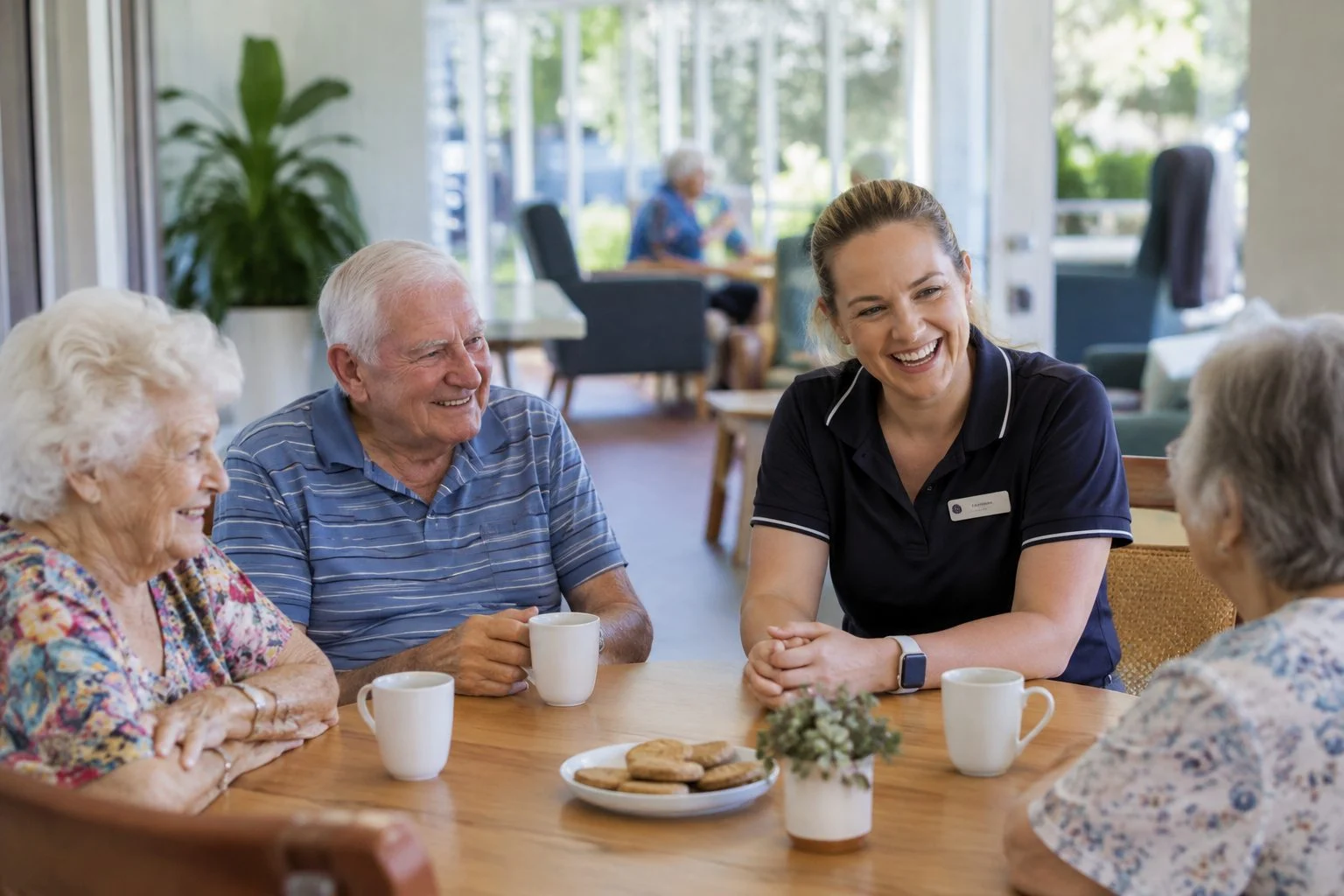
An aged care provider needs one page per service, one page per location, and a small set of supporting pages that answer the questions families ask before they ring. The table below sets out the structure we recommend for the main provider types.
| Provider type | Pages that do the work | The question the site must answer |
|---|---|---|
| Residential aged care home | Care types, a day in the home, rooms and facilities, dining, visiting, how to apply, fees information, enquiry page | Will my parent be well looked after, and how do we begin? |
| Retirement living village | Village pages with floor plans, lifestyle and amenities, on-site services, how living there works, enquiry page | Is this a place where I would want to live, and what is the process? |
| Home care or Support at Home provider | Services offered, areas serviced by suburb, how to get started, how care is coordinated, enquiry page | Can you help at home, in my area, and how do I arrange it? |
| Respite and dementia care | Short stay options, specialised support, staff training, family involvement, enquiry page | Can you look after someone with complex needs, safely and kindly? |
| Multi-site operator | One page per site with its own address, phone, photos and team, plus shared group information | Which of your locations is closest and right for us? |
The pattern is one page per question. It is the same structure we recommend for medical practices, NDIS providers and childcare centres, and it matches how AI engines break a query into smaller questions before answering. Our AEO web design guide explains that fan-out idea in more detail.
How do you build trust on an aged care website?
You build trust by showing real people, real places and real answers rather than adjectives. Families are quick to spot stock photography and phrases like “caring, compassionate, community” that every provider uses, and they discount both.
Practical ways to show rather than tell:
- Use real photos of your actual home, grounds, rooms, dining area and staff, with permission from anyone shown.
- Name your leadership. A page with the facility manager, clinical lead and a short line about each is more reassuring than a mission statement.
- Explain how families stay informed. Updates, care meetings and who to call when something changes.
- Show accreditation and regulatory status plainly, with a link to the relevant official source. Check current wording with your compliance team, because the rules changed with the Aged Care Act 2024.
- Publish genuine reviews or testimonials, with consent, and keep your Google Business Profile accurate so what people see in search matches your site.
Be careful with claims. Anything you state about outcomes, staffing or care quality should be something you can evidence, and anything that touches regulated information should be reviewed by whoever is responsible for compliance in your organisation.
What does a mobile-first aged care site look like?
Want to know how AI engines read your aged care website?
Our AI Ready Check looks at how your aged care website reads to search engines and AI assistants: page structure, image descriptions and business markup. It is free and takes a few minutes.
A mobile-first aged care site puts the phone number, location and next step at the top of every page, uses large readable text, and loads quickly on an ordinary mobile connection. Many family members research on a phone in a hospital corridor or a carpark, not at a desk.
A short checklist:
- A tap-to-call number in the header, coded as a proper telephone link so one tap starts the call.
- Readable type. Body text large enough to read without zooming, with strong contrast.
- Short forms. Name, phone, a short message and a preferred time to call. Every extra field loses enquiries.
- Fast first screen. The largest image or heading should appear quickly. web.dev’s guidance on Largest Contentful Paint explains how to measure and improve it.
- Clear page titles. Each page should say what it is and where, because the title is often what appears in search results.
None of this is exotic. It is the basic hygiene that makes a site usable for the person who most needs it to work.
How should an aged care website handle accessibility and privacy?
An aged care website should meet recognised accessibility guidance and handle personal information carefully, because many visitors are older, have vision or mobility limitations, or are sharing sensitive details about a relative’s health. These are not extras. They are part of looking after the audience.
On accessibility, work to the Web Content Accessibility Guidelines (WCAG): sufficient colour contrast, keyboard navigation, descriptive link text, captions on video and meaningful descriptions on images. Run an automated check, then test by hand, since automated tools only catch part of the problem.
On privacy, keep forms minimal and explain what happens to the details people submit. The Office of the Australian Information Commissioner publishes guidance on handling personal information, and health information in particular needs care. If your enquiry form collects anything about someone’s health, take advice and say clearly how it is stored and who sees it.
Two practical habits help. First, never ask for more than you need at the first enquiry. Second, review any third-party scripts, chat widgets and tracking tools on pages that families use, and remove the ones you cannot justify.
What did our check of five Queensland aged care pages show?
We fetched five publicly available Queensland aged care provider pages in October 2026, using a normal browser User-Agent, and read the tap-to-call links, search snippet length, structured data and image descriptions on each. A sixth page returned a block page rather than content, so we excluded it rather than guess. This is a small sample of one page per provider on one day, not a market survey, and the providers are unnamed.
| What we checked | What we found (5 pages) |
|---|---|
| Tap-to-call telephone link on the page | 5 of 5 had at least one |
| Meta description present | 4 of 5 (one had none we could find) |
| Meta description over 160 characters | 2 of the 4 that had one (163 and 180 characters) |
| Any JSON-LD structured data | 4 of 5 (one had none) |
| A LocalBusiness type declared | 1 of 5 |
| A MedicalOrganization type declared | 0 of 5 |
| Images with a missing or empty alt attribute | 39 of 69 images across the five pages |
| A link on the page with fees, pricing or costs in its address | 2 of 5 |
The good news is that the basics families act on, a number they can tap, are in place on every page we read. The gap is in the machine-readable layer. Most of the structured data we found described the website or the organisation in general terms rather than the specific local service, and more than half the images we counted carried no description for a screen reader or a search engine. Those are exactly the signals that help both older visitors using assistive technology and AI engines trying to work out what you do.
A note on method: the image count is based on the HTML each page returned, so images added later by scripts are not included, and the page-level snapshot says nothing about the rest of each site. It is a prompt to check your own pages, not a ranking of anyone.
How do you make an aged care website AI-ready?

You make an aged care website AI-ready by stating clear, consistent facts in plain text, marking up the business accurately with structured data, and keeping your off-site listings in step with your site. AI engines such as Google AI Overviews, ChatGPT, Perplexity, Claude and Gemini break a question into smaller ones, then look for pages that answer each part directly.
When a daughter asks an assistant “aged care near Southport with dementia support”, the engine is looking for a page that says what care you provide, where, and for whom. If that information only exists in a PDF, a slideshow or a photo with no description, it is harder to extract and cite.
The build steps that matter most:
- One question per page, answered in the first sentence. “We provide respite care at our Robina home for stays from a few days to several weeks” is liftable. A paragraph of warm language is not.
- Accurate structured data. Use LocalBusiness as a baseline with address, phone, opening hours and area served, and consider MedicalOrganization where it genuinely fits the type of service. Follow Google’s local business structured data documentation, and check any type on schema.org before using it, since not every sensible name exists. There is no schema.org type called NursingHome, for example. Our schema markup in website design guide covers the detail.
- Descriptive images. Describe what is shown in one plain sentence. See Google’s image guidance for how Google reads images.
- Consistent facts everywhere. Name, address, phone and service descriptions should match across the site, your Google Business Profile and any directories you appear in.
- Crawlable pages. Make sure the pages you want cited are indexable and are not hidden behind scripts or forms.
Nobody can guarantee a mention in an AI answer. What you can do is remove the reasons you would be skipped. That is the idea behind our answer engine optimisation and generative engine optimisation work, and the AI Ready Check shows where a site currently stands.
What should you do about local search and your Google Business Profile?
You should treat each physical location as its own entity with its own profile, page and reviews. Families searching “aged care near me” see map results first, so an accurate Google Business Profile is often the first impression, and the website is the second.
- One profile per site, with correct categories, hours, photos and a link to the matching location page, not the home page.
- Consistent naming. Use the same name and address format on the site, the profile and any directory listing.
- Respond to reviews thoughtfully and never include private details about a resident or client.
- Service area pages for home care that name the suburbs you cover, with a sentence on what you do there.
This is the same local foundation that supports our work for other Gold Coast businesses, and it underpins business website design for any provider with more than one location.
How long does an aged care website take, and what slows it down?

An aged care website takes as long as the content takes, because the design and build are rarely the bottleneck. The usual delays are approvals, photography with consent, compliance review and gathering accurate information about each service and site.
What speeds a project up:
- A named decision-maker who can approve copy and images quickly.
- Photography booked early, with consent forms handled before the shoot.
- A content list agreed up front, showing every page, its purpose and its owner.
- A compliance review step built into the plan, not added at the end.
Our web design process follows the same logic: agree the structure, write the answers, build the pages, then check them against real questions.
How do you know if your aged care website is working?
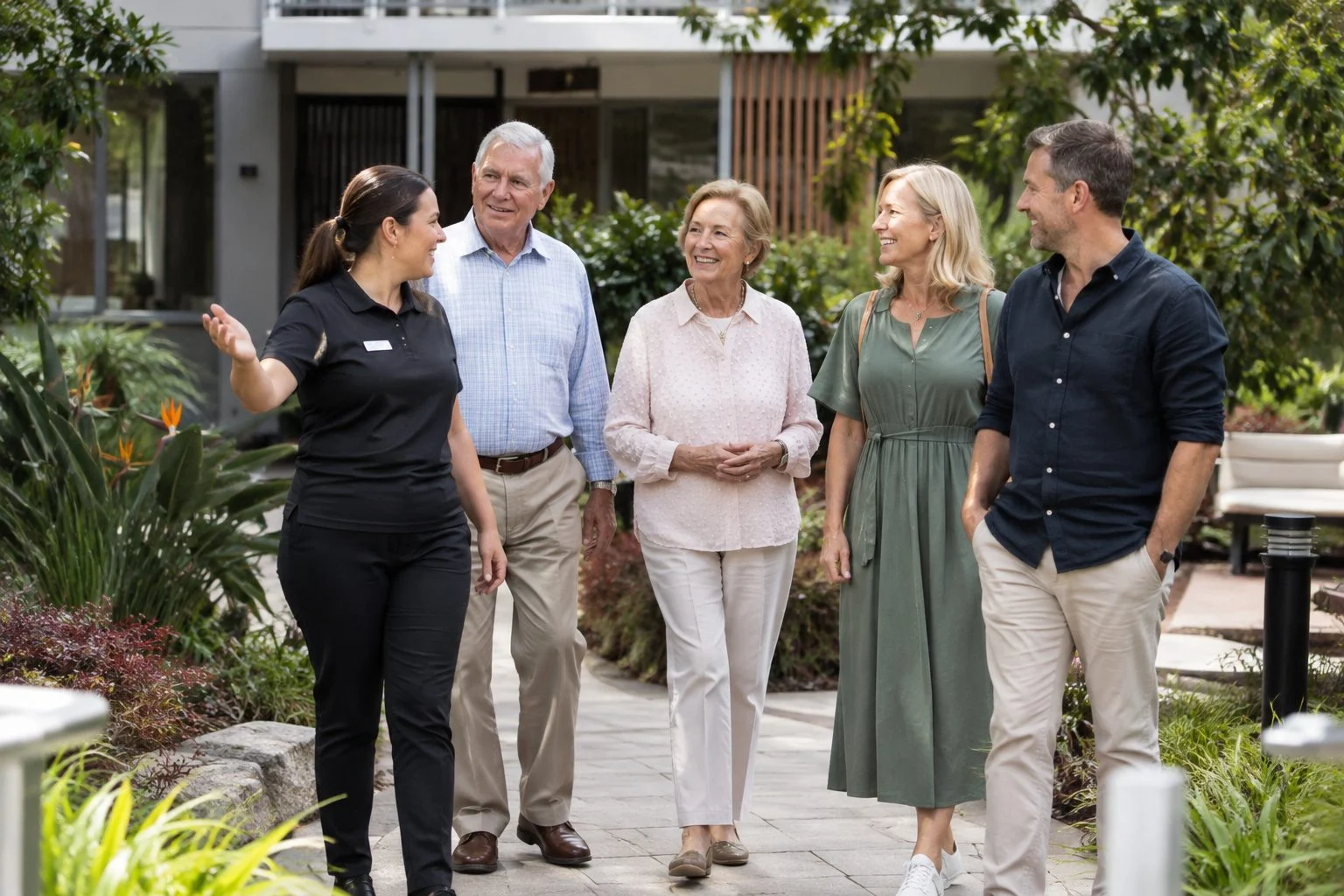
You know it is working when the right families find you, understand you and get in touch, and you can see that happening in data. Track a small set of measures and review them regularly.
- Enquiries per month, split by source: search, map listing, referral, social, direct and AI assistant.
- Enquiry quality: how many are in your service area and care type, and how many progress to a tour or assessment.
- Calls from mobile, since tap-to-call is often the main conversion on this kind of site.
- Google Search Console: which queries and pages bring impressions and clicks, especially location and care-type searches.
- Mentions in AI answers: ask a few AI assistants the questions families ask and note whether you appear and how you are described. One query on one day is a sample, not a trend, so repeat it monthly.
Review the numbers after the first month and after the first quarter. Fix the pages that get views but no enquiries before adding anything new.
What are the most common aged care website mistakes?
The most common mistakes are hiding the phone number, burying fees and visiting information, using stock photography, writing in sector jargon and leaving images without descriptions. Each one is easy to fix once you can see it.
- Jargon. Families do not know the difference between funding classifications. Explain in plain language, then link to official detail.
- Missing location pages. A single page for a multi-site operator forces families to hunt.
- Slow, heavy pages built around large unoptimised photos.
- PDF-only information. Brochures and fee schedules that exist only as downloads are hard to read on a phone and hard for AI engines to extract. Publish the key facts as page text, then offer the PDF as an extra.
- Out-of-date details. Wrong phone numbers or hours on the site or profile quietly cost enquiries.
- No maintenance plan. Aged care information changes, so ongoing updates matter. Our care plan options keep the site secure and current.
Frequently Asked Questions
How many pages should an aged care provider website have?
Most providers need between ten and twenty pages: home, about, one page per care type, one page per location, a day-in-the-life or lifestyle page, a visiting and family information page, a news or updates page, a FAQ, and a contact or enquiry page. Multi-site operators add a page per site.
Do aged care providers need structured data?
It is not mandatory, but it helps search engines and AI assistants understand the business: name, address, phone, hours and service type. Use accurate LocalBusiness markup as a baseline and add a more specific type only where it genuinely fits and exists on schema.org.
How should an aged care website handle photos of residents?
Only publish photos where you have clear, documented consent from the resident or their representative, and review the policy regularly. Many providers use photos of staff, grounds and facilities with residents shown only where consent is on file.
Can an aged care website show up in ChatGPT or Google AI Overviews?
It can be cited, but nobody can guarantee it. AI engines favour pages that state clear facts, match the question and are supported by consistent information elsewhere, such as a Google Business Profile. Building those foundations improves your chances.
What accessibility standard should an aged care website meet?
Aim for the Web Content Accessibility Guidelines (WCAG), covering contrast, keyboard navigation, readable text, captions and image descriptions. Automated tools catch part of the issues, so include manual testing, ideally with older users.
Should an aged care provider publish fees on its website?
Providers have information obligations that depend on the type of care and the current rules, so confirm the requirements with your compliance team and the official sources, including the Aged Care Act 2024. Beyond what is required, families value clarity, so explain how fees work in plain language.
How long does an aged care website take to build?
It depends on the number of pages, locations and approvals involved. A focused single-site build moves quickly when content and photos are ready. Multi-site projects and those with compliance review take longer, and the delays are usually content and approvals, not design.
Next steps for aged care providers
Ready to Turn Family Research into Enquiries?
Titan Blue has helped Gold Coast businesses grow their digital presence since 2001.
If your aged care website is hard to find, hard to read or hard to enquire through, we can fix that. Book a free call and we will talk through your site, your families and your locations.
Make Titan Blue a preferred source in Google
One click tells Google to surface our articles more often in Top Stories, AI Overviews and AI Mode.

Wedding Vendor Website Design Australia: The 2026 Guide
Wedding vendor website design Australia: what couples need to see, how to structure your site,…

Financial Advisor Website Design Australia: The 2026 Guide
Financial advisor website design Australia: what clients need to see, how to show licence details,…

Mortgage Broker Website Design Australia: The 2026 Guide
Mortgage broker website design Australia: what borrowers need, how to show your licence and how…