

Last updated:
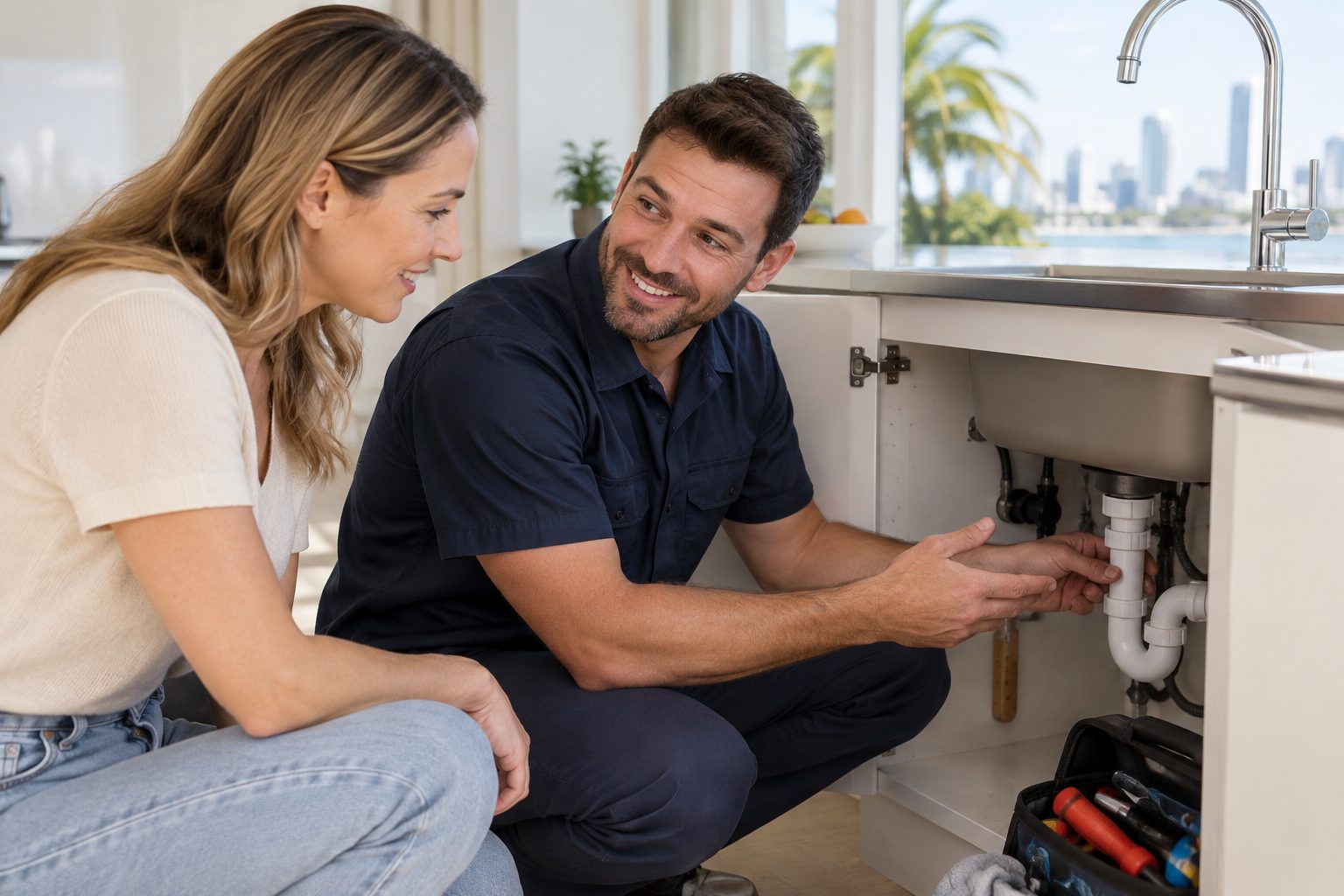
Plumber website design in Australia works when a stressed person on a phone can see who you are, which suburbs you cover and how to reach you within seconds, and when search engines and AI assistants can read the same facts as plain text. That means a tap-to-call number on every page, one clear page per service and suburb, visible licence details, fast mobile loading and Plumber structured data that matches what the page says. Everything else is decoration.
This guide covers what a plumbing website needs, what we found when we checked seven Gold Coast plumber homepages, and how to build a site that ChatGPT, Google AI Overviews, Perplexity, Claude and Gemini can find, understand and recommend. It replaces our earlier plumber article with a build-first approach and a fresh audit.
What does a plumber website actually need to do?
A plumber website has to do three jobs at once: turn an urgent search into a phone call, give a planned-job customer enough proof to request a quote, and give search engines and AI assistants clean facts to repeat. Most underperforming plumbing sites do the first job reasonably and ignore the other two.
Plumbing is unusual because the same website serves two very different visitors:
- The emergency visitor. A burst pipe, a blocked drain or no hot water. They scan, they do not read, and they want a number to tap.
- The planner. A bathroom renovation, a hot water replacement or a drainage project. They compare, read reviews, look for licences and want to know how you work before they ring.
If the page is built only for the first visitor, the planner leaves for a competitor who explains more. If it is built only for the second, the emergency visitor bounces. A good design serves both on the same homepage with a clear hierarchy: the number first, the proof second, the detail third.
Our broader tradie website design guide covers the shared principles across trades. This article goes deeper on plumbing specifically.
Which pages does a plumbing website need?
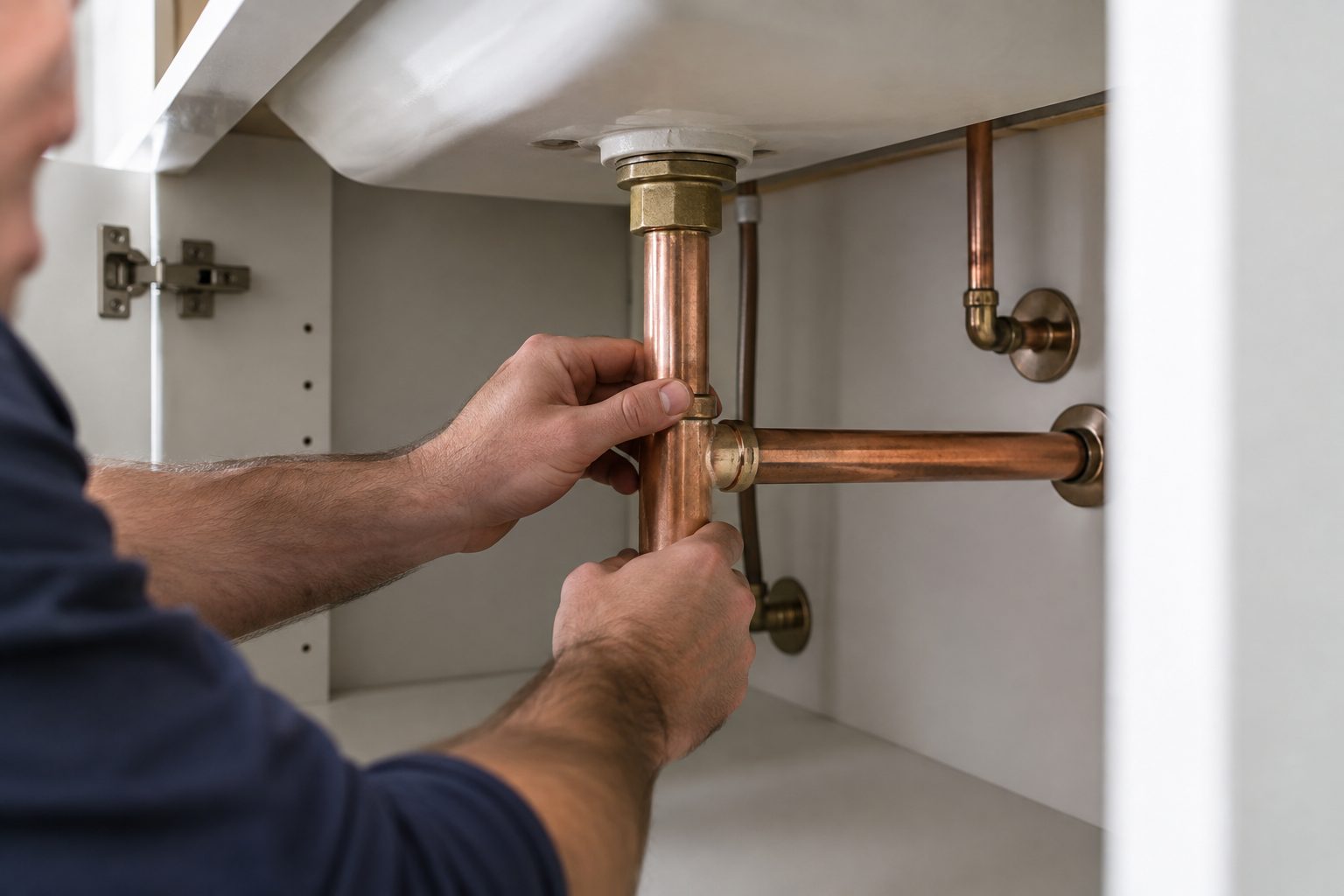
A plumbing website needs a homepage, one page per core service, one page per suburb or region you genuinely serve, an emergency page, an about and licence page, a reviews or projects page and a contact page. Each page should answer one question completely, so a customer or an AI engine can lift the answer without reading the rest of the site.
| Page | The question it answers | What must be on it |
|---|---|---|
| Homepage | Who are you, where, and how do I reach you? | Tap-to-call number, suburbs served, services in text, licence line, reviews |
| Service page (blocked drains, hot water, gas fitting, leak detection) | Can you fix my specific problem? | What you do, how a job runs, typical timeframes, photos of real work |
| Suburb page | Do you come to my area? | Real local detail, jobs completed, local housing quirks, travel notes |
| Emergency page | Can someone come now? | Hours, response approach, what to do before the plumber arrives |
| About and licence page | Can I trust you in my home? | Licence number, insurance, team, how you work, who the owner is |
| Contact page | How do I book? | Phone, short form, address or service area, hours |
Notice that every row is a question. That is the fan-out principle: AI engines break a request like “emergency plumber near Burleigh Heads” into smaller questions about services, coverage, hours and trust, then look for pages that answer each one. Sites that bury those answers in a PDF, an image or a slider lose to sites that state them in text.
How should the homepage handle emergencies and planned work?
Put the phone number in a tap-to-call link in the header, repeat it in a sticky mobile bar, and follow it with a single line stating your hours and the area you cover. Planned-work detail belongs below that, in short sections the visitor can skip.
A practical homepage order for plumbers looks like this:
- A header with the business name, a tap-to-call number and a short quote button.
- A one-sentence statement of what you do and where, for example “Blocked drains, hot water and gas fitting across the Gold Coast, Broadbeach to Coolangatta”.
- Your licence and insurance line, in text, high on the page.
- Six or so core services, each linking to its own page.
- A strip of recent reviews with the suburb and the type of job.
- Service areas listed as links to suburb pages.
- A short form that asks only for name, number, suburb and a one-line description.
Long forms are the most common leak in plumber sites we see. A customer with water on the kitchen floor will not complete eleven fields. If you need photos or access details, ask for them after the first contact.
What did we find on seven Gold Coast plumber homepages?
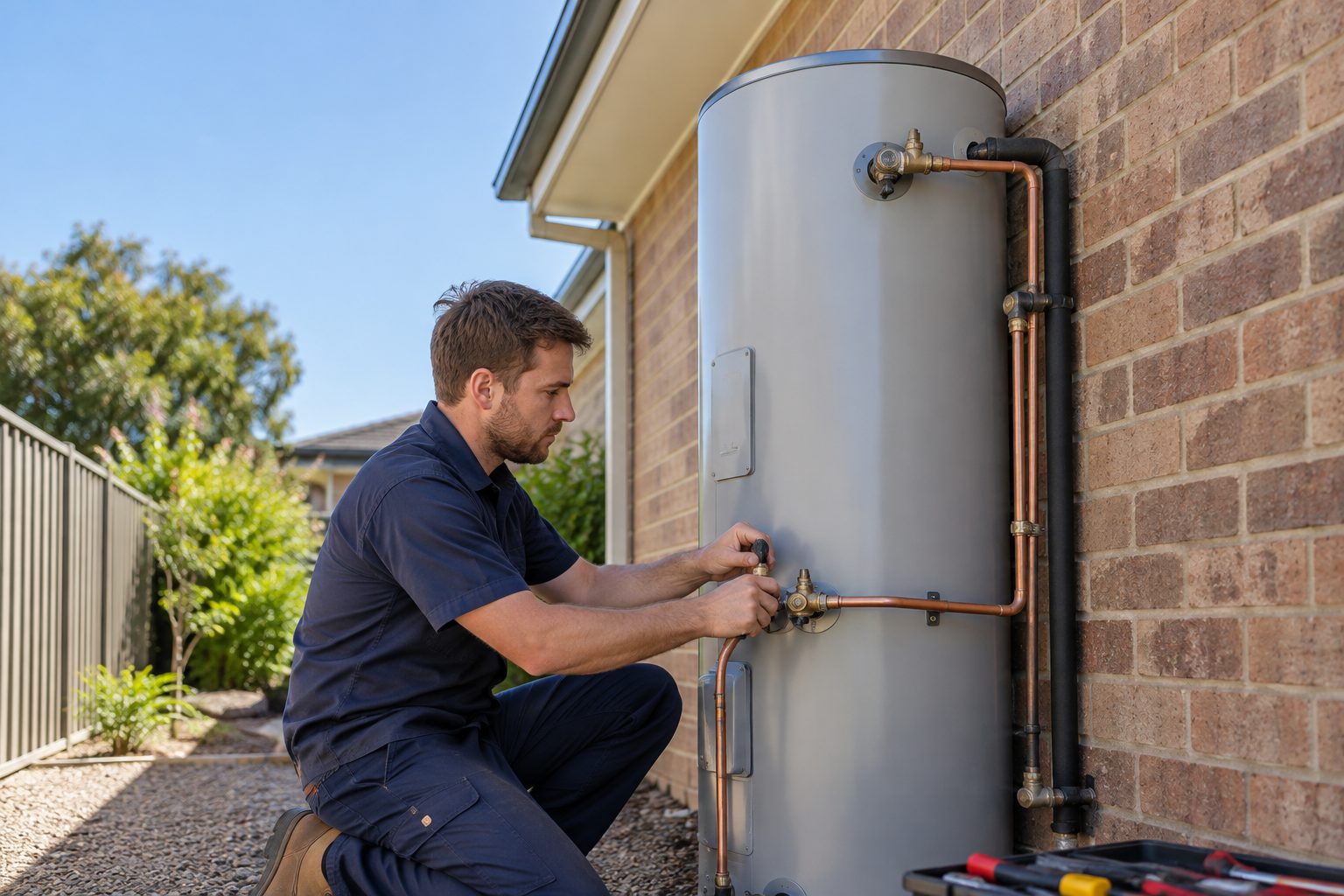
We fetched the homepages of seven Gold Coast plumbing businesses that appeared in a live web search index for “Gold Coast plumber” (one query, one day, 6 October 2026) using a standard browser user agent. The search result order is not a ranking of quality, and we have not named the businesses. This is a snapshot of what each homepage served, not a verdict on any business.
| What we checked | Result across seven homepages |
|---|---|
| Loaded successfully (HTTP 200) | 7 of 7 |
| Tap-to-call phone link in the page | 7 of 7 |
| Emergency or 24 hour wording in the page text | 7 of 7 |
| Licence or licensed wording in the page text | 7 of 7 |
| Exactly one H1 heading | 5 of 7 (one had two, one had eight) |
| Plumber structured data type | 3 of 7 |
| Generic LocalBusiness type, no Plumber type | 2 of 7 |
| Only a site-search WebSite type | 1 of 7 |
| No JSON-LD in the served HTML | 1 of 7 |
| At least one image with no descriptive alt text | 4 of 7 |
| Every image in a modern format (WebP or AVIF) | 2 of 7 |
| Brotli or gzip compression on the HTML | 7 of 7 |
Three things stand out. First, the basics that plumbers know matter are mostly handled: every site had a tap-to-call link, emergency wording and a licence mention. The gaps are in the layer machines read. Only three of the seven used the specific Plumber type, which is the type Google’s documentation recommends choosing when a more specific one exists. One site served no structured data at all in its HTML.
Second, image hygiene varied widely. Four of seven homepages had at least one image tag without descriptive alt text, and on one of them that was a large share of its images. Homepage HTML size ranged from under 100 KB to over 500 KB, and two of the pages carried well over a hundred images each. A plumber on a patchy mobile signal in a car park at Robina will feel that difference.
Third, heading structure is rarely thought about. One homepage served eight H1 headings. Search engines cope, but a clean outline is easier for both people and AI systems to summarise.
Limits matter here. Seven homepages is a small sample, a single request from one location is not a speed test, and a missing JSON-LD block in raw HTML does not prove a site has no structured data if a plugin injects it later. We treat the structured data result as “not present in the served HTML” and nothing stronger.
Want to know how your plumbing website reads to Google and AI engines?
We run the same homepage checks described above on plumbing and trade sites every week. Send us your address and we will tell you what a search engine and an AI assistant can actually read. It is free and takes about 15 minutes.
How do you show licences and trust without clutter?
State your licence number, licence class and insurance in plain text on the homepage and the about page, and link the licence number to the regulator’s record where one exists. In Queensland that regulator is the Queensland Building and Construction Commission, which explains when a QBCC licence is needed and which type applies. Other states have their own regulators, so check the one that applies to you.
Trust signals that earn their space on a plumbing site:
- Licence number and class in text, not only inside a badge image.
- Real photos of your team, your vehicles and your finished work, with captions naming the suburb and the job.
- Named reviews with the suburb and service, pulled from your Google Business Profile.
- A plain explanation of how a call-out works, what happens on arrival and how you confirm the scope before starting work.
- The owner’s name and face. People let tradespeople into their homes. They want to know who is coming.
Avoid stock photos of smiling models in clean uniforms. Customers have seen them on every plumber site and learned to ignore them, and an AI assistant gains nothing from them either. If you cannot supply your own photos yet, a few honest phone photos of real jobs will outperform a polished stock library.
How do you build suburb pages that are not thin?
A suburb page works when it contains information that is specific to that suburb and true: the jobs you have done there, the common problems in local housing and how quickly you can usually reach it. A page that swaps only the suburb name in an otherwise identical template adds nothing and risks being treated as low value.
Google’s guidance on creating helpful, reliable, people-first content is a useful test. Ask whether a visitor would feel they learned something specific from the page. For a plumber, specific might mean the age profile of homes in a suburb, the typical hot water systems you replace there, or how coastal air affects external fittings in places like Burleigh Heads and Coolangatta. Write only what you know from real jobs.
Start with the five to eight suburbs where most of your work actually comes from, rather than publishing forty pages at once. Each page should have its own photos, its own reviews where you have them, and a clear link back to the relevant service pages. Our SEO for plumbers guide goes further into the local search side of this.
How do you make a plumber website AI-ready?
An AI-ready plumber website states every important fact in crawlable text, marks it up with Plumber structured data that matches the visible page, and gives each question a short, direct answer an assistant can quote. This is the layer where most competitors are weakest, and it is what Titan Blue builds into every site.
Many plumbing sites are built for people who already know the brand. Assistants such as ChatGPT, Gemini and Perplexity answer questions like “who can fix a hot water system in Southport on a weekend?” by reading pages and summarising facts they can extract. If your hours, services and suburbs are inside an image or a script-only widget, there is nothing to extract.
Choose the most specific structured data type
Google’s LocalBusiness structured data documentation says to define each location as a LocalBusiness and use the most specific sub-type available. For a plumbing business that is Plumber on schema.org, which inherits the LocalBusiness properties such as name, address, telephone, opening hours and area served. Our guide to schema markup in website design explains how to implement and test it.
Keep three rules in mind. The markup must describe content that is visible on the page. The phone number, name and address must match your Google Business Profile exactly. And markup is a clarity aid, not a ranking trick: it helps machines understand the page but does not replace useful content.
Write answers, not slogans
Replace “Your trusted local plumbers” with sentences that state facts: which services you provide, which suburbs you cover, your hours, how call-outs are confirmed and what licence you hold. Each service page should open with a one or two sentence answer to the question in its heading, then expand. That is the pattern we use on this page, and it is the one AI engines tend to lift.
Make the entity consistent everywhere
Your business name, phone number, address or service area and licence number should read the same on your website, your Google Business Profile, your directory listings and your social profiles. Inconsistencies force machines to guess which version is right. The AEO web design pillar guide sets out the full approach, and our Answer Engine Optimisation service applies it to existing sites.
To see where a current site stands, our free AI readiness check reviews exactly these signals.
What makes a plumbing site fast on a mobile phone?
A fast plumbing site keeps the homepage light, serves images in modern formats at the size they are displayed, and avoids loading dozens of scripts before the phone number appears. Speed matters most for emergency visitors on mobile data.
Google’s Web Vitals guidance on web.dev sets out the Core Web Vitals measures of loading, interactivity and visual stability. You do not need to memorise them. You need a site where the main content appears quickly, buttons respond straight away and nothing jumps as the page loads.
Practical steps for a WordPress or Elementor plumbing site:
- Convert photos to WebP and size them to their display width before uploading.
- Write descriptive alt text for every meaningful image, such as “Plumber replacing a hot water system on a Robina home”. Leave decorative images with empty alt text.
- Limit sliders and autoplay video above the fold, because they delay the content people came for.
- Keep one H1, then use H2 and H3 in a logical order.
- Use caching and compression on the server, and test the homepage on a mid-range phone, not only on a desktop.
Our web design service builds on WordPress with these checks in the process, and our website care plans keep speed, updates and security from drifting after launch.
How should a plumber handle quotes, bookings and enquiries online?
Offer two routes: a phone call for urgent work and a short form for planned jobs. For planned work, a form that captures suburb, job type and a photo upload gives you enough to respond usefully without a back-and-forth.
Tell the customer what happens next. A sentence such as “We reply within business hours and confirm the scope before we start” reduces drop-off more than a longer form ever will. If you take bookings through a job-management platform, make sure the booking link opens on mobile without a login and that the confirmation page tells the customer what to expect.
Add a thank-you page for form submissions. It lets you count enquiries reliably in Google Analytics and gives you a clear signal for your Google Ads and Meta Ads campaigns if you run them.

How do you tell whether the website is working?
Count the things that make money: calls, form submissions and direction requests, by source and by suburb, and compare them month on month. Rankings and traffic matter only if they move those numbers.
A simple monthly scorecard for a plumbing business:
- Calls from the website, tracked with a tap-to-call event in Google Analytics 4.
- Form enquiries, by service and suburb.
- Google Search Console queries that include your services and suburbs, plus impressions for each service page.
- Google Business Profile actions: calls, website clicks and direction requests.
- Mentions in AI answers: ask the same five questions a customer would ask in ChatGPT, Gemini and Perplexity each month and record whether your business is named.
The last item is a record of a manual check, not a ranking. Answers vary by day and by wording, so look for a trend across several months instead of reacting to one result.
What does the process of building a plumber website look like?
A well-run plumbing website project takes several weeks and follows five stages: discovery, structure, content and photos, build and testing, then launch and measurement. The timing depends mostly on how quickly photos, licence details and approvals arrive.
- Discovery. We learn your services, service area, the jobs you want more of and the ones you would rather decline.
- Structure. We map the service and suburb pages, the emergency path and the schema plan before any design work.
- Content and photos. We write answer-first copy from your real jobs and organise your photos with proper captions.
- Build and testing. We build on WordPress with Elementor or WooCommerce where needed, then test on real phones, check structured data and review accessibility against WCAG.
- Launch and measurement. We set up call and form tracking, connect Search Console and review results with you after launch.
You can see examples of our work in the portfolio.
How do you choose a web designer for a plumbing business?
Choose a designer who asks about your jobs before they talk about layouts, who can show sites they built for trades, and who can explain in plain language how the site will be read by Google and AI assistants. Ask to see how they handle structured data, image optimisation and tracking.
Questions worth asking any agency, including us:
- How will the site capture and count phone calls?
- Which structured data types will you use, and how will you test them?
- Who owns the domain, hosting and content?
- What happens to the site after launch, and who handles updates and security?
- Can I edit service and suburb pages myself?
If an agency cannot answer the first two clearly, the site is likely to look fine and perform poorly.
Frequently Asked Questions
What should a plumber website include?
A plumber website should include a tap-to-call number on every page, a list of services and suburbs in text, your licence and insurance details, real photos and reviews, an emergency page and a short enquiry form. Each service and suburb should have its own page.
Do plumbers need a website if they already have a Google Business Profile?
Yes. A Google Business Profile is essential, but the website holds the detail that supports it: service pages, suburb coverage, licence information and structured data. It also gives AI assistants more to read and quote than a profile alone.
Which structured data should a plumber use?
Use the Plumber type from schema.org, which is a sub-type of LocalBusiness. Include your name, address or service area, telephone, opening hours and website, and make sure the details match the visible page and your Google Business Profile.
How long does it take to build a plumbing website?
A typical build takes several weeks. Most delays come from waiting on photos, licence details and approvals, so gathering those early keeps the project moving.
Can ChatGPT or Google AI Overviews recommend my plumbing business?
They can name businesses they find and understand. Clear text about your services and suburbs, consistent business details, Plumber markup, genuine reviews and a well-maintained Google Business Profile all help. No one can guarantee a recommendation, and results vary by query.
Is a mobile-friendly site really that important for plumbers?
Yes. Many urgent plumbing searches happen on a phone, often in stressful moments. A fast page with a visible tap-to-call button and a short form removes friction at the point where a customer decides who to ring.
Should I have a separate page for each suburb?
Only for suburbs you genuinely serve, and only if each page carries specific, true local detail. A handful of strong pages is better than dozens that differ only in the place name.
Next steps
Ready for a plumbing website that gets the phone ringing?
Titan Blue has helped Gold Coast businesses grow their digital presence since 2001.
If your current site is slow, hard to read on a phone or invisible to AI search, we will show you exactly what to fix and what to keep. Let’s talk about your service area and the jobs you want more of.
Make Titan Blue a preferred source in Google
One click tells Google to surface our articles more often in Top Stories, AI Overviews and AI Mode.

Choosing a Meta Ads Agency in Queensland: A Small Business Guide (2026)
How to choose a Meta Ads agency in Queensland: what a good agency does, tracking,…

This Week in Australian AI Search: Google’s UGC Data Program
Google's UGC Fresh Data Program and Indexing API quota update, plus our Google AI Mode…

Google AI Mode Adds Official Links: What It Means for Australia
Google is adding more links to AI Mode and testing an official websites section. Here…